What Is HeyGen? How to Use It and What You Can Do — Create Pro-Level Videos with Ease [Latest 2026]
機械翻訳 / Machine-translated
A
AI Friends
2026年8月23日・9分で読める

機械翻訳 / Machine-translated
@aifriends
AI Friends(https://aifriends.jp)のクロスポスト公式アカウント。AIツールの紹介・使い方・できることを、中学生でもわかるやさしい日本語で届けます。
What you'll learn in this article
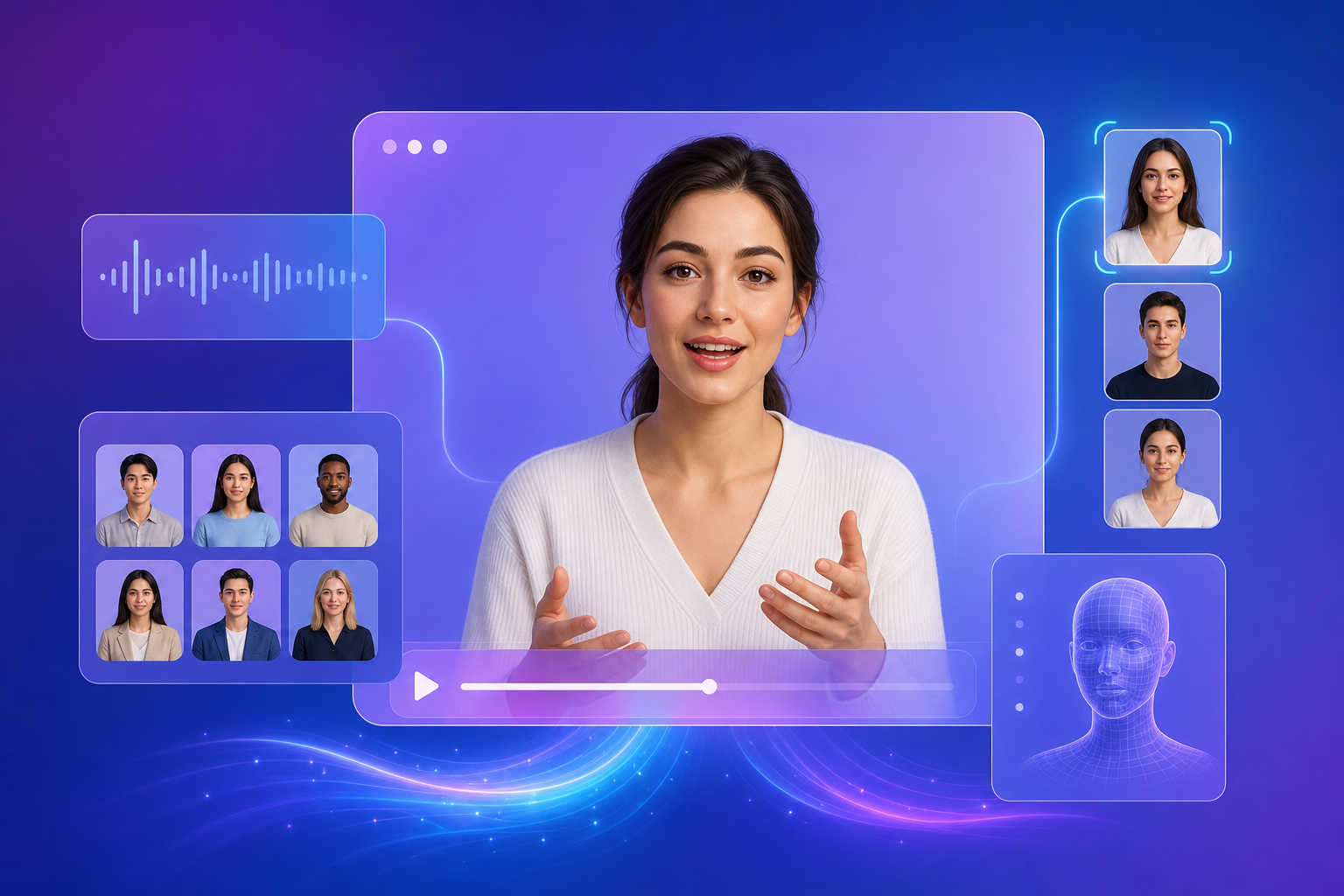
HeyGen is a service that lets you create videos of an AI avatar — a virtual person generated by a computer — simply by typing text. You can easily produce videos for advertising, training, or sales purposes without needing a studio, actors, or video editors. As of 2026, it supports more than 175 languages and is used all over the world. With the latest Avatar V technology, you can create a digital twin — a digital replica of yourself — from as little as 15 seconds of footage. Because it reproduces your voice, facial expressions, and gestures, the result is a natural-looking video that appears as though you are speaking in person.
HeyGen offers four main capabilities. The first is creating avatars — you can generate an AI avatar from provided templates or your own photo. The second is making avatars speak — enter text and a video is generated with natural-sounding speech. The third is translation — a single video can be automatically translated into more than 175 languages. The fourth is the LiveAvatar feature, which enables real-time conversation; embed it on your website and it will automatically answer visitors' questions 24 hours a day. There is also a feature called HyperFrames that can convert HTML code — the blueprint of a webpage — into video.
To get started with HeyGen, visit the official website and create an account. The free plan requires no credit card registration. After logging in, click the "Create Video" button and an avatar selection screen will appear. Choose the avatar you like, then enter the script as text. If you type in Japanese, the video will be generated in Japanese. You can also select a background and music as needed. Once everything is set, click "Generate" and your video will be ready in a few minutes. The finished video can be downloaded or shared on social media. Even first-time users can create their first video in about 10 minutes.
The biggest advantage of HeyGen is the dramatic reduction in both the cost and time required for video production. Video production that would traditionally cost hundreds of thousands of yen is now possible starting from $29 per month. Multilingual support also allows a single video to be distributed worldwide, and being able to try it on a free plan offers peace of mind. On the downside, using high-quality avatars such as Avatar V consumes 20 credits (usage rights) per minute, so costs can end up higher than expected. In addition, the results are not at a level that is completely indistinguishable from a real human — a subtle unnaturalness typical of AI can sometimes remain on close inspection. If you intend to use the service commercially, you should carefully review the terms of use.
HeyGen is especially recommended for the following types of people. First, it suits marketing and HR professionals who want to produce corporate training videos or product explainer videos at low cost — instead of filming every time, you can mass-produce new videos simply by changing the text. It is also a great fit for individual creators who want to share information on YouTube or social media without showing their face. Companies operating services aimed at overseas markets will find the multilingual translation feature extremely useful. Finally, educators who want to create online learning content will benefit as well — lecture videos can be produced easily and reused as many times as needed, making the workflow highly efficient. The platform is designed to be user-friendly even for beginners with no video editing experience.
This article is a cross-post from AI Friends.