What Is Midjourney? How to Use It to Create Pro-Level Images and What You Can Do [Latest 2026]
機械翻訳 / Machine-translated
A
AI Friends
2026年8月16日・9分で読める

機械翻訳 / Machine-translated
@aifriends
AI Friends(https://aifriends.jp)のクロスポスト公式アカウント。AIツールの紹介・使い方・できることを、中学生でもわかるやさしい日本語で届けます。
What you'll learn in this article
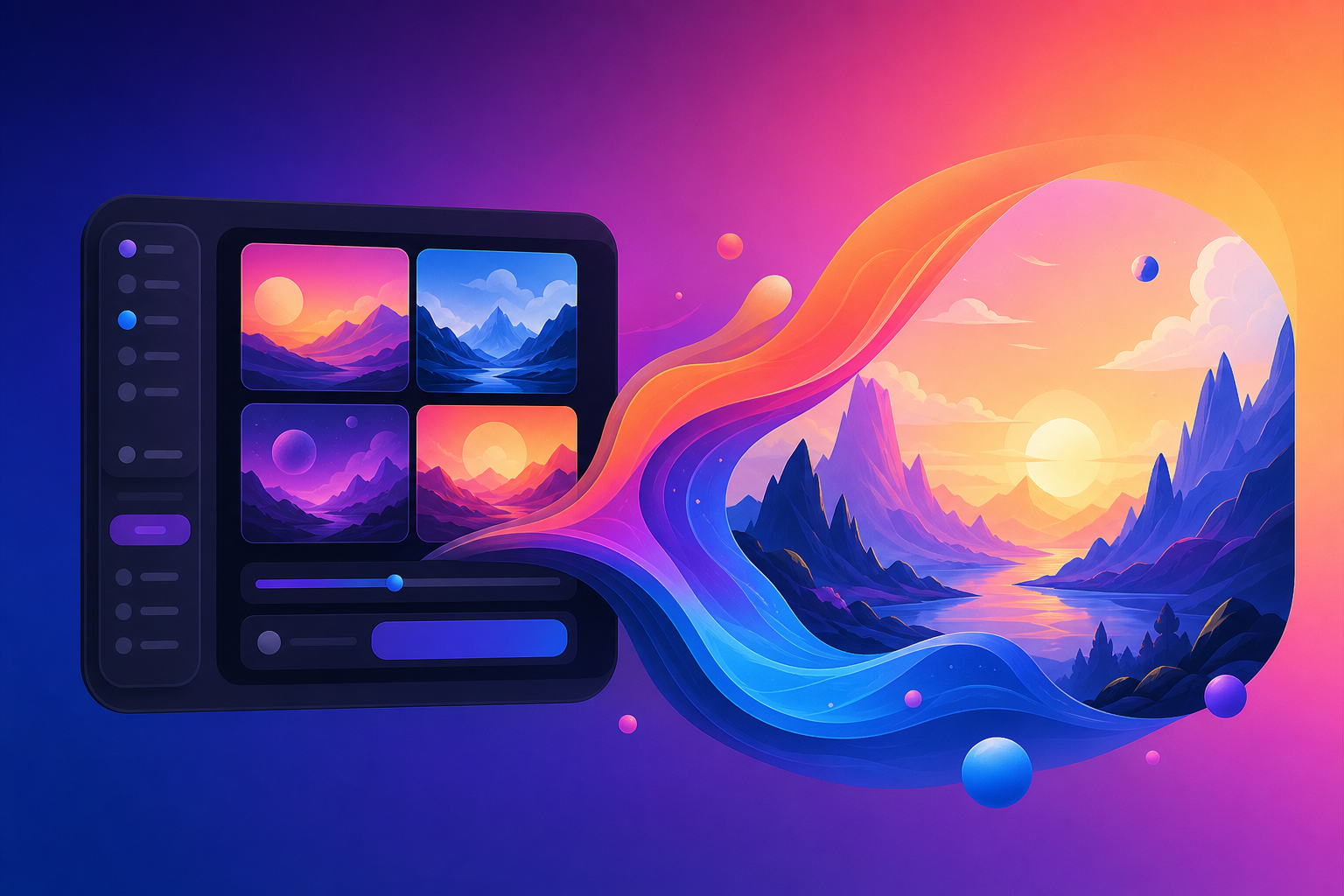
Midjourney is an AI image generation service that automatically creates high-quality images simply from text input. You can use it through the chat app Discord or via a web browser version.
For example, type "a cat by the seaside at sunset," and a beautiful image that looks as though it was drawn by a professional designer will be generated in just a few seconds. Its biggest selling point is that anyone can easily create pro-level images without any specialized knowledge or design skills.
In March 2026, V8 Alpha — the highest-performance version to date — was released, enabling even higher-quality and more stable image generation. A model called Niji 7, which specializes in anime- and illustration-style images, has also been introduced.
With Midjourney, you can generate images in a wide variety of styles simply by giving text instructions. Realistic photo-style, fantasy art, anime-style illustrations, abstract designs — a broad range of expressions is possible.
Key features include inpainting (the ability to specify and regenerate only a portion of an image) and outpainting (the ability to extend an image beyond its original edges). These allow you to fine-tune generated images and bring them closer to your ideal result.
Additionally, in May 2026, the conversation mode received a major update, making it possible to specify the aspect ratio and reference images using natural language. Simply say or type "make it square," and the setting is applied — enabling more intuitive operation than ever before.
To get started with Midjourney, first go to the official website (midjourney.com) and sign up using a Google account or similar. Since there is currently no free plan available, you will need to subscribe to a paid monthly plan.
Once registered, you can begin generating images using either the web version or Discord. In the web version, you can operate directly in your browser — just type a description of the image you want in the text box and press Enter. Four images will then be generated automatically.
Prompts (the instruction text for images) are recommended in English, but Japanese input is also possible. However, since fine nuances can sometimes be difficult to convey in Japanese, converting your prompt to English first using a translation tool such as ChatGPT or DeepL will generally produce results that more closely match your vision.
Pros
Cons
Paying annually reduces the price by approximately 20%, making it a better deal for long-term use. For example, the Standard plan costs $30/month on a monthly basis, but works out to the equivalent of $24/month on an annual plan.
Midjourney is especially recommended for the following types of people:
By subscribing to a paid plan, you retain ownership of the images you generate and are free to use them commercially. This makes it a great fit for sole proprietors and small business owners who need image assets for work. Furthermore, with the latest 2026 model V8.1, failed outputs have decreased and high-resolution images can be generated more consistently, making it even more practical for serious creative projects.
Midjourney is an AI image generation tool that is easy to use even for beginners and is useful in a wide variety of business and hobby contexts.
This article is a cross-post from AI Friends.