# I Designed a Music Video Style Once and Reused It Across Different Projects
機械翻訳 / Machine-translated

機械翻訳 / Machine-translated
Research Topic: AI Music Video Style Generator · Director Style · Visual Consistency · Creative Workflow
As an AI creative designer producing music videos, one of the surprisingly tricky challenges is maintaining visual consistency across different projects.
For each piece of music, I need to think through camera movement, color palette, lighting, how subjects are presented, and the overall art direction of the backgrounds. On top of that, when producing another work for the same artist, I have to align the new video's world with the one I already established.
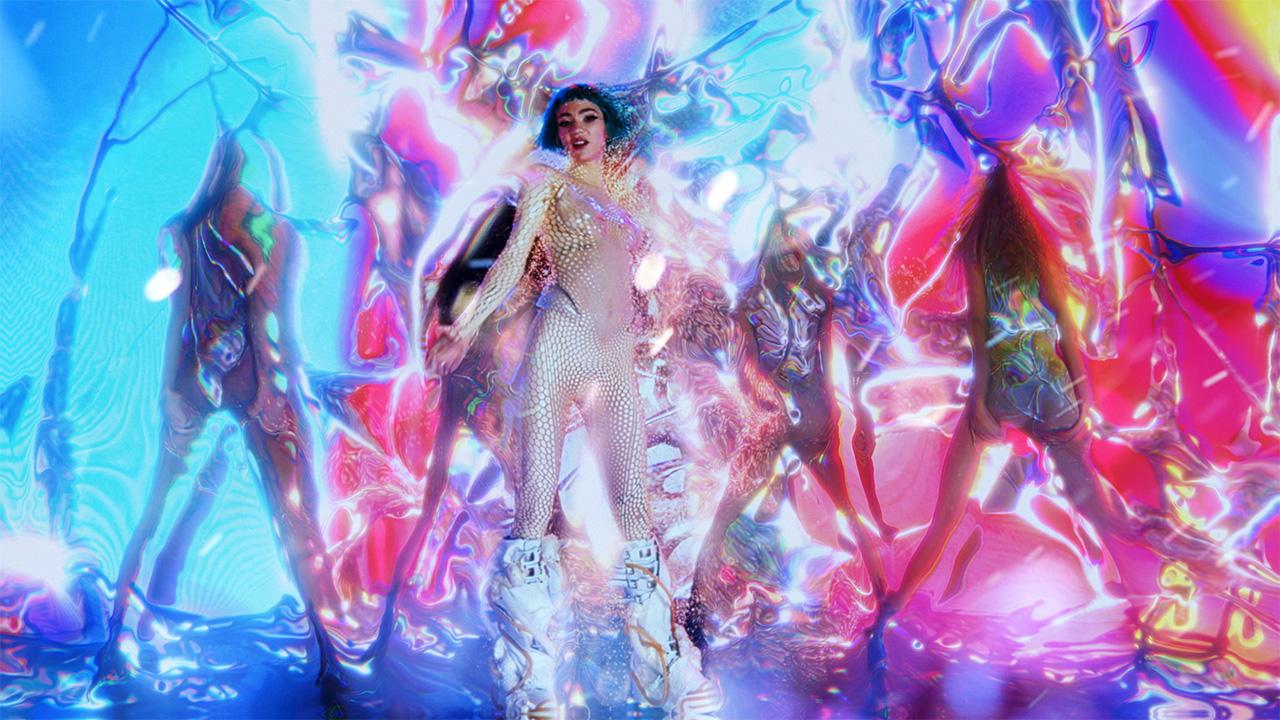
For example, suppose one track used a near-futuristic aesthetic centered on neon colors, with the camera slowly pushing in toward the subject. If I want to maintain that same artist's visual world in the next piece, re-explaining and reconfiguring all those settings every single time turns out to be more trouble than it sounds.
That's what got me interested in the genre known as AI music video style generators.
While researching, I came across 1MV. What caught my attention in particular was not just that it generates visuals to match music, but that it uses a system called Director Styles to let you choose a visual direction — and then reuse that style across future productions.
What I wanted to explore this time was a consistent visual style built around the same track.
Rather than jumping straight into generating video, I first put into words the visual direction I was aiming for.
Here's the kind of style I had in mind:
Director Style: Dreamlike Neon Cinema
Laying it out this way makes it much easier to picture the finished result than simply specifying "cool-looking footage" or "cinematic visuals."
What I personally want to prioritize is thinking about camera work and art direction separately. Even if the color palette is consistent, if the camera movement varies drastically from one piece to the next, the overall impression of the series changes.
1MV has a Director Styles library where you can not only pick from existing styles, but also use the AI Video Style Generator to craft your own original visual style. Styles you create can be saved and reused in future productions.
Here's the workflow I'd follow:
STEP 1: Open the 1MV production screen
Go to the official site, log in, and navigate to the MV production workspace.
STEP 2: Browse the Director Style library
Check out the existing style library. There's no need to build a custom style from scratch right away — if you find a direction close to what you have in mind, you can use it as a reference.
STEP 3: Open the AI Video Style Generator
If you want to create an original visual concept, use the style generation feature.
STEP 4: Put your director style into words
For example, organize elements like these:
STEP 5: Save the style
Save the finished style so you can use it again for other tracks and video productions.
The important thing here is not to treat the style as a one-and-done creation. I think the real value comes from using it across multiple projects and gradually refining it toward the visual expression you're aiming for.
Next, prepare the actual music and images.
1MV accepts images in JPG, PNG, and WebP formats, and audio in MP3, WAV, M4A, FLAC, and OGG formats.
For style-testing purposes like this, using the same track and the same character image makes it easy to compare how different visual directions play out.
The production steps are as follows:
Available aspect ratios are 16:9, 9:16, 1:1, 4:3, 3:4, and 21:9.
The goal here is to compare how the visual output changes when the style changes, even with the same track.
That said, reusing a style does not mean creating an exact copy of a previous video. Because the music and images differ, the content of the generated footage will differ too — so the final result always needs to be reviewed individually.
One thing I found genuinely interesting is 1MV's community feature.
Published works display the Director Style used and any shared assets. You can search for styles you like and save them, or Remix work using images and tracks shared by other creators.
This isn't just a way to watch finished videos — it's also a useful mechanism for studying creative approaches.
For example, you can compare published works from angles like these:
Personally, I'd save a few styles I like and organize notes on camera direction and color characteristics in my own production notebook.
Public Snapshots can serve as reference material for learning about creative thinking from other creators' finished work.
If you plan to use assets from public works in a Remix, be sure to check the sharing terms and usage permissions for each piece.
After studying various styles, the next step is applying them to a new project.
For example: in the first video I used a near-futuristic neon aesthetic, and in the next I keep the same camera movement and color direction while only changing the background and characters.
This approach means I don't have to rethink everything from zero.
Having a shared set of visual rules is especially important when working on a series or producing multiple tracks for the same artist.
By making use of 1MV's Remix feature and saved Director Styles, you can try a workflow where you draw inspiration from other works or develop your own video concept further.
That said, it's not always possible to repurpose someone else's public assets directly in commercial work. It's best to default to using images and music you own the rights to.
Even if you love the style, whether the video actually holds up as a finished piece is a separate question.
After generating, I check the following:
Camera Work
Art Direction
Sync with Music
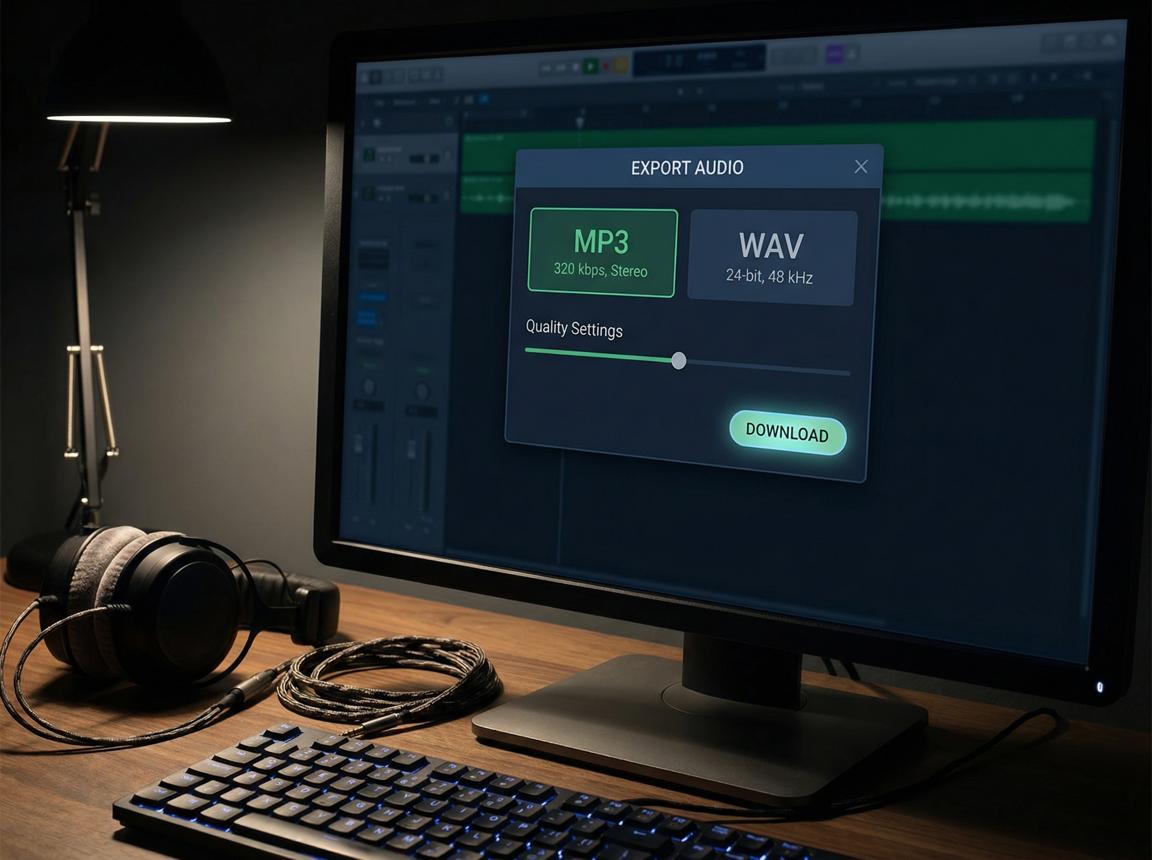
Export
In 1MV, the free plan supports up to 20 seconds, Starter up to 3 minutes, and Pro up to 6 minutes. Starter and Pro plans output without a watermark, with a maximum resolution of 4K. It's also worth checking the terms of use and credit display requirements before generating.
Working through this production theme, what I found most interesting was the idea of treating video production not as a series of one-off tasks, but as a reusable creative system.
In traditional video production, you'd need to think through camera work, lighting, color palette, and editing approach for each individual project.
But if you organize and save your own director style, you can use the same direction as your starting point for the next piece.
The value of 1MV goes beyond automatically generating video.
Of course, it's different from professional video production where every camera position and staging decision is controlled manually. Even so, I think it's a fascinating production environment for anyone thinking about creating visually consistent, music-centered work.
There was a time when I thought coming up with a fresh concept for every music video was what being creative meant.
But after encountering this idea of designing and reusing a director style, I've come to feel that starting from zero every time isn't the only creative approach.
Using the same camera work while experimenting with different art direction. Maintaining the same color design while featuring a different character for each track.
By repeating small experiments like these, perhaps a visual language that's distinctly your own gradually takes shape.
1MV offers more than just generating MVs from music and images — through Director Styles, style saving, public work references, and Remix, it gives you an ongoing framework for exploring and refining your visual expression.
If you, too, want to create something different each time while maintaining a consistent world across all your work, try designing your own director style.
What kind of world will emerge in your next project?
A production flow that's approachable even for beginners · multilingual support · MV production up to 6 minutes (Pro plan)