Tutorial Transcript: How to Fix a CapCut Export Watermark
機械翻訳 / Machine-translated
A Screen Walkthrough by a Freelance Editor
This is a transcript of a tutorial I recorded for a fellow freelancer who lost an old CapCut project and was left with an export watermark on the finished video. There are three fixes — re-export, end card removal, and video repair. I walked through all three on a single clip and documented the steps so you can follow along.
Step 1 — Confirm the Project Is Actually Gone
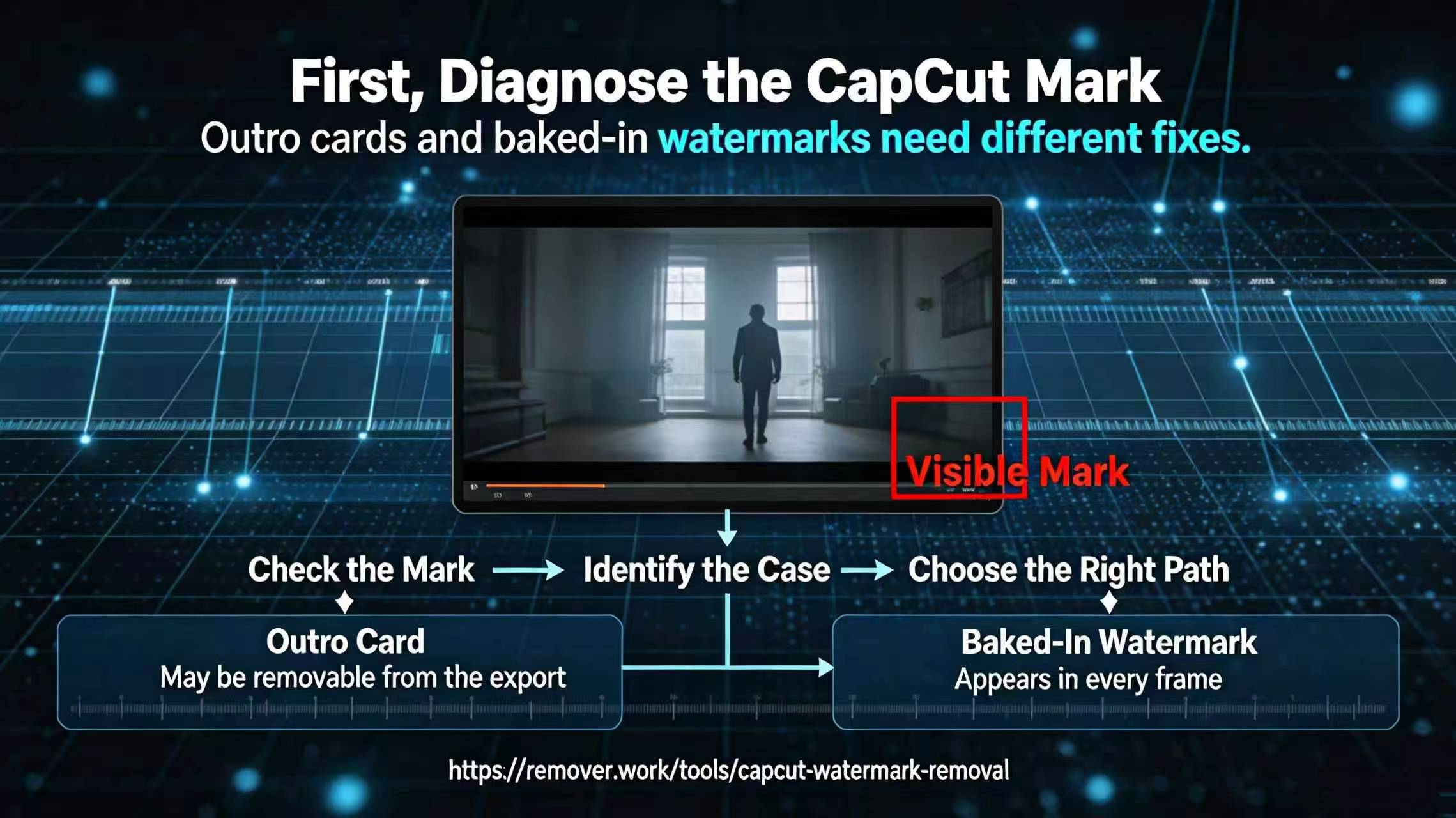
"First, open CapCut and check your drafts. If the project is still there, just turn off the watermark in the export settings and re-render — that's Fix One, and it's free. In my case the draft had been deleted, so Fix Two and Fix Three are what apply."
Step 2 — Try Removing the End Card
"CapCut sometimes only marks the end card, not the entire clip. Scrub to the last 2 seconds. If the mark is only there, trim off the end card and export. On my clip the mark appeared in the corner of every frame, so this didn't work — but it's a 10-second check worth doing."
Step 3 — Run a Video Repair
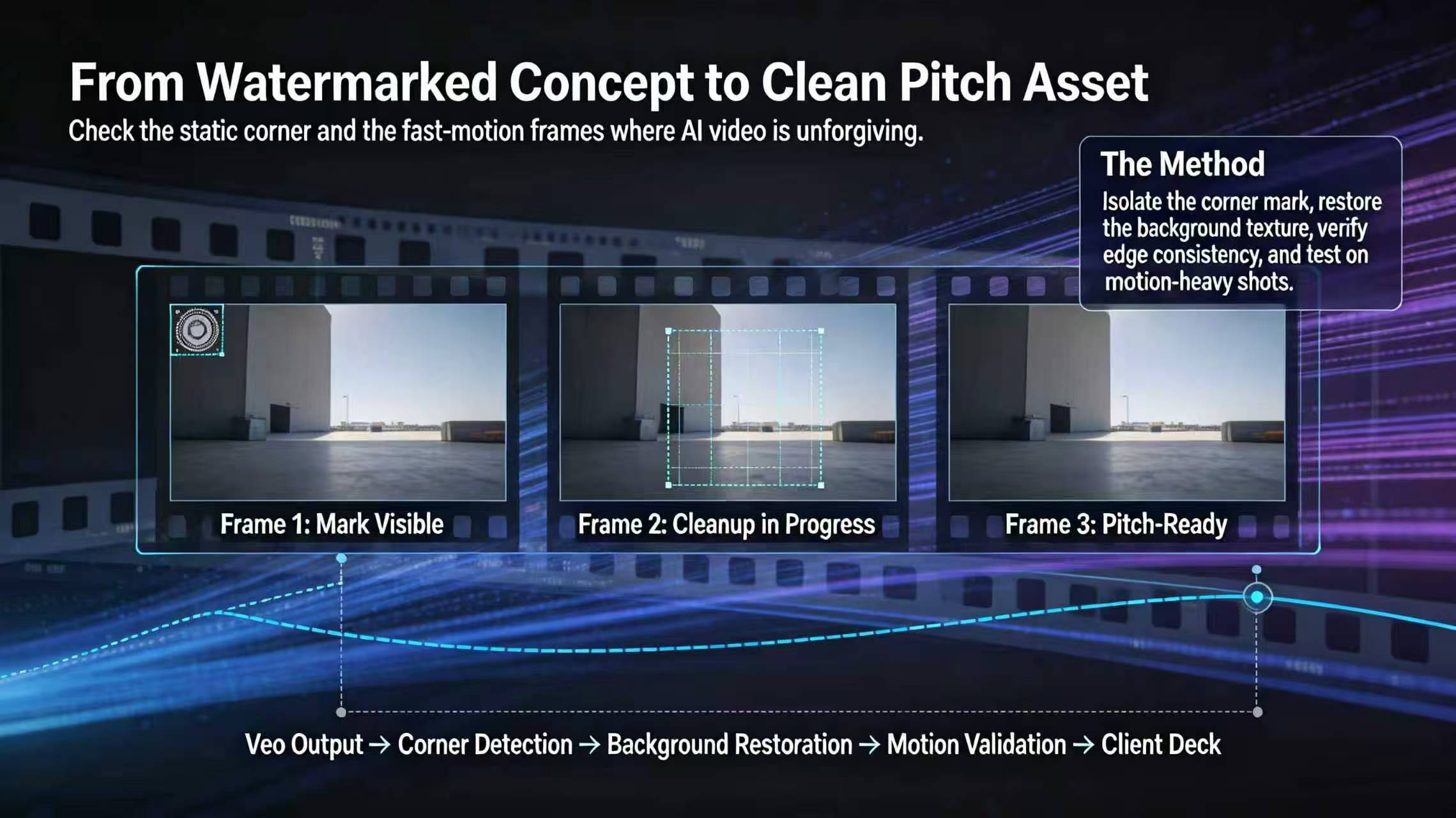
"With no project and a mark on every frame, I ran remover.work's CapCut export watermark cleanup on the finished file. Drop in the clip, run one pass, export. The corner mark was reconstructed as background."
Step 4 — Review the Result
"Play back the exported file. On calm backgrounds, the repair is invisible. My clip had a busy title card behind the mark, so I paused on that frame to check. The title text was still readable, just slightly softer. Acceptable for a freelance deliverable; not acceptable for a broadcast master."
Step 5 — Decide Based on the Destination
"For a client's social media post, I deliver the repaired file. For a master archive, I tell the client the source was lost and offer to re-edit from raw footage if it exists. Never quietly deliver a repaired master and call it the original."
Why I Made This Transcript
Freelancers lose projects. The instinctive reaction is to panic, or to deliver the watermarked file and hope the client doesn't notice. This transcript provides a calm sequence: check drafts, try the end card, then repair. The repair step is what saved my deliverable when the project disappeared — and writing down the destination rules keeps me honest about what "fixed" means for a "master" versus a "social post."
Follow-Up Q&A (From the Comments)
Q: What if I re-export and the mark still appears?
A: In that case, the watermark setting in the draft was turned on. Turn it off and re-render.
Q: The repaired corner looks slightly soft over a title card — is that acceptable? A: For a client's social post, yes. For a master, no — tell the client the source was lost and offer to re-edit from raw footage if it exists.
Q: Can I just crop the entire clip to avoid the mark? A: Only if the mark is at the very edge and cropping won't cut into your content. On many CapCut exports the mark sits far enough inward that cropping will cut the frame. Repair is cleaner.
When to Charge Extra
As a freelancer, if a project is lost through no fault of the client, repair is billable work — it's recovery work, not editing. I quote it as a separate line item: "Watermark recovery (no source project), per clip." Clients accept it, because the alternative is a reshoot that costs ten times as much. Naming it also protects you from clients who assume you should have kept the project — the SOP note in Step 1 documents ownership and scope up front.
The Transcript as a Deliverable
This walkthrough is itself something I hand to clients to help them understand why a clip is priced the way it is. A transparent transcript builds trust faster than a silent invoice. The repair step saved my deliverable; the transcript saved the relationship.
The Freelance Bottom Line
This transcript exists so clients can understand the cost of a lost project without feeling like they're being charged for my mistake. Naming the recovery steps separately keeps trust intact. The edit was fine; the archive wasn't; recovery is a known, priced piece of work. That clarity is why clients come back. The repair saved the file; honesty saved the relationship.
The first thing I tell every client is that a lost project is recovery work, and I price it as such. This transcript exists so they can understand why a clip is priced the way it is, rather than feeling like they're being charged for my mistake. Naming the recovery steps separately keeps the relationship intact. The original edit was fine; the archive wasn't; repair is a known, scoped piece of work. That transparency is why clients come back. The repair step saved the deliverable, and honesty about scope saved the account. Both are part of the job, and both belong in this tutorial.