
機械翻訳 / Machine-translated
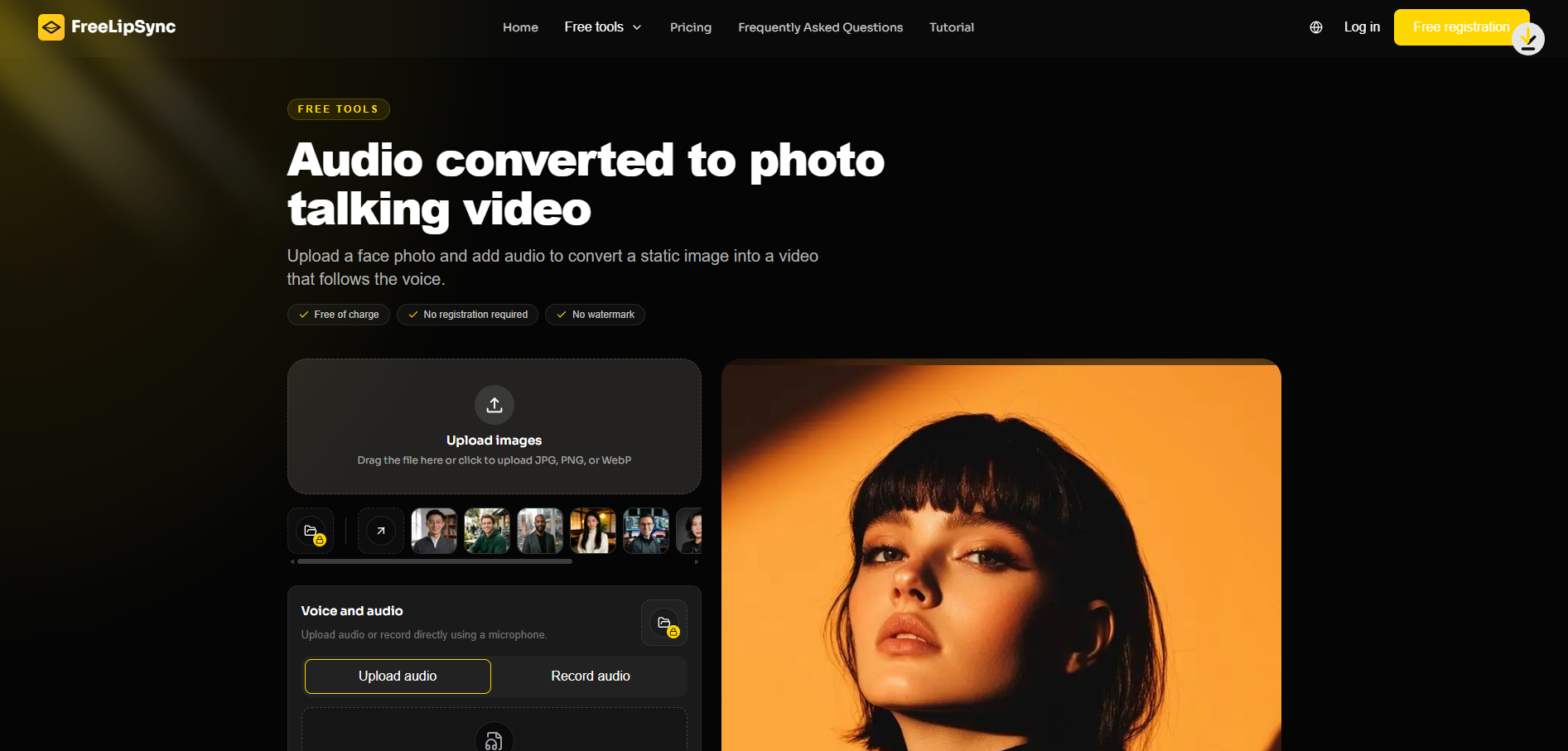
From 2025 to 2026, turning a still portrait into a "talking clip" has quietly become a standard part of content creation. But "talking photos" aren't a single thing. There are at least three distinct approaches, and choosing the wrong one wastes your time. This guide compares all three: audio-driven (upload a photo + audio clip), text-driven (upload a photo and type a script), and full video lip-sync (you already have video of someone speaking and want to swap the language or voice). The relevant tool for the audio-driven route is https://freelipsync.com/zh-CN/tools/audio-to-talking-photo. It's part of the freelipsync browser suite and free to get started.
I'm not ranking these by quality. I'm matching each one to the actual task you have in front of you.
1. Audio-driven talking photo. You bring a face and a recording — your own voice, a narration, or any clean audio — and the photo animates to match that specific voice. Best when you already have reliable audio: a recorded message, a narration you produced yourself, or a clip of someone speaking.
2. Text-driven talking photo. You bring a face and typed text, and the system generates both the voice and the mouth movement. Best when you have a script but no microphone, or when you want a neutral, consistent tone without recording yourself.
3. Video lip-sync. You start with an actual video of a person speaking and swap out the speech or translate it. Best when you've already shot footage and need it in a different language or with a redone audio track.
Use the following short decision path.
A common mistake is forcing a text-driven tool to handle a personal message. If the point is "this is grandma's actual voice," audio-driven wins because the real voice carries the meaning. Conversely, if you're posting daily shop updates and never want to record, text-driven serves you well.
"Clean audio" deserves a line of its own. Recordings with little background noise, no overlapping voices, and stable volume work best. Audio captured in the wind, beside a busy road, or in the middle of a group conversation will cause the mouth to move along with the noise. Reading your lines once into a smartphone recorder in a quiet room is almost always more reliable than using a salvaged voice message.
When sincerity itself is the deliverable — a founder's apology, a thank-you to a customer — these are not substitutes for standing in front of a camera. They are accelerators for repeatable, low-stakes clips. And whichever method you choose, the source photo rules covered in a separate guide still apply: face-on, adequate lighting, neutral expression. The method changes; the discipline around your inputs does not.
A few edge cases are worth mentioning. If your audio is in one language but you want to appear to be speaking another, that's a "translation + voice" task — it leans toward video lip-sync or a text-driven route with generated speech, not an audio-driven tool that must follow your recording as-is. If the photo is an illustration or cartoon, results vary and it falls outside the photo rules above. And if the clip needs to convey news or factual claims, put a real person on camera. Generated voices can blur the line between message and performance. These aren't flaws — they're boundaries worth knowing before you start.
A quick concrete example. Say you've recorded a 20-second welcome message for a newsletter but hate appearing on video. Audio-driven fits. Upload a head-and-shoulders photo along with that recording, and the photo delivers it in your real voice. Now imagine you want to share a daily tip but never want to record. Text-driven fits. Type the tip and generate. The difference isn't quality — it's whether the voice already exists. Hold onto that single question — "Do I have audio on hand?" — and the three options collapse into one obvious answer on most days.
The Voice-to-Photo Talk Generator runs in a browser, so you can try the audio-driven route with a single photo without installing software or committing to a paid plan. This lowers the cost of being wrong. Test one clip, judge it against the table above, then decide whether to make this method your default. A decision guide is useless if trying is expensive. If trying is free, the guide simply keeps you from repeating the same experiment.
The larger shift of 2025–2026 is that in a short-form world, consistency beats occasional polish. Having a clear rule about which talking-photo method to use means you can stop deliberating about tools and start publishing. The Voice-to-Photo Talk Generator is one option in that toolkit. Choose it when the audio already exists and the voice itself is the point.