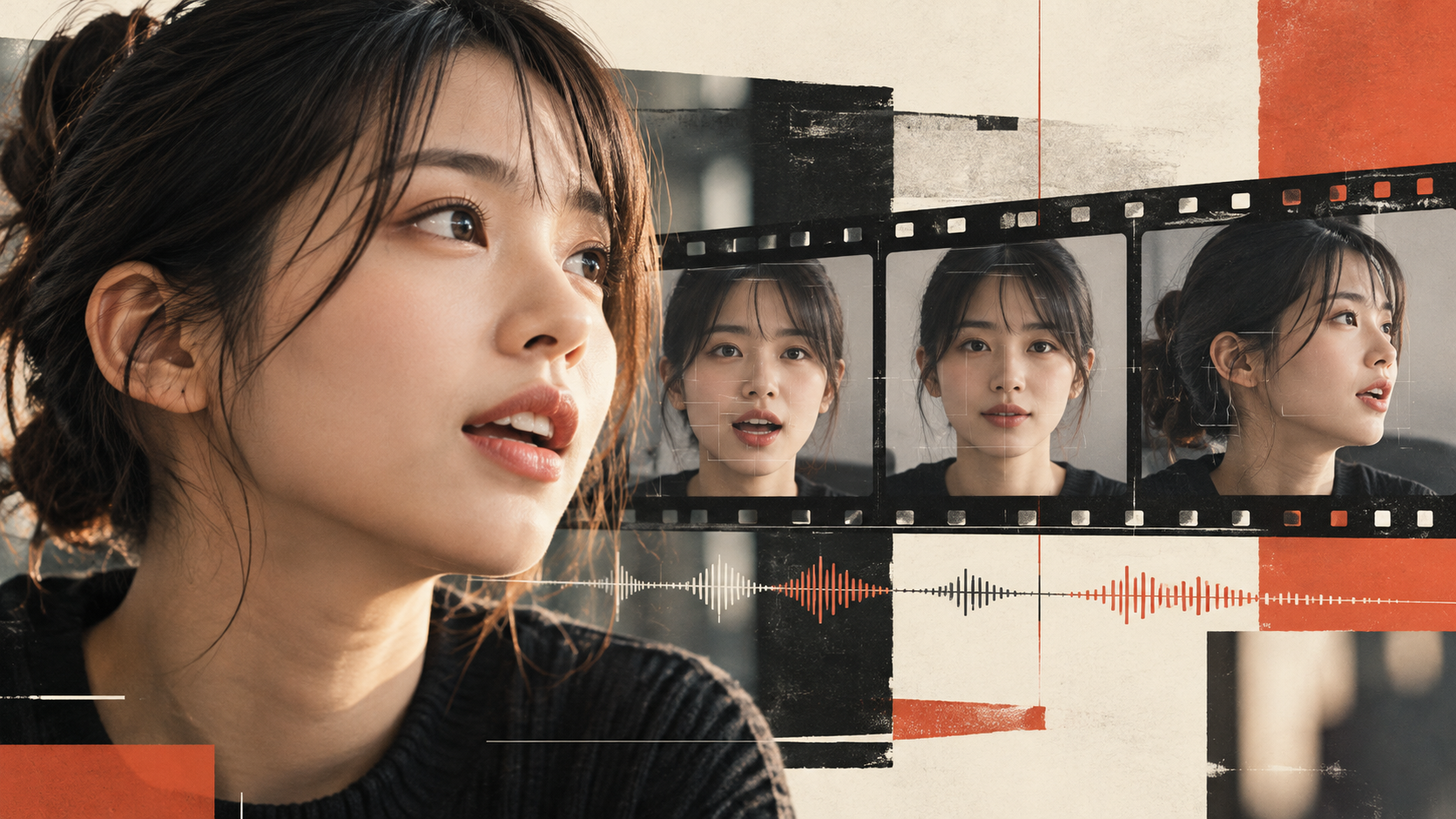
Where Does the Uncanny Feel in AI Video Come From? The Problems in Footage That Lip-Syncing Alone Can't Reveal
機械翻訳 / Machine-translated
When you pause an AI-generated video of a person, it looks like a well-made photograph. Yet the moment you press play, something feels off. The voice and lips are roughly in sync, but your attention keeps drifting to the face rather than what's being said.
The cause isn't necessarily the mouth. The eyes don't react to the words. The lips keep moving slightly after a line ends. The jawline flickers for just an instant when the head turns to the side. Each detail is small, but together they add up to an overall unnaturalness in the footage.
When people watch a video of someone talking, they don't process the voice and face separately — they watch it as a single performance. So when reviewing footage, it's worth checking not just whether things are "in sync," but whether the speaker's movements read as one continuous, natural sequence.
The amount of information we read from a face is surprisingly large: where the eyes are looking, when the eyebrows move, what kind of pause comes before a word is spoken. Even if the mouth shape matches, if those reactions don't align with the voice, it becomes hard to believe the person is actually speaking in that moment.
For instance, if a line is addressed to someone but the gaze stays fixed straight ahead, the voice alone feels like it's reaching out while the face doesn't. When the movement of the eyebrows or head is out of step with an emphasized word, the intent of what's being explained can come across as weak.
If something feels off, try lowering the volume first and watching only the face. Then look away from the screen and listen solely to the tone and rhythm of the voice. Separating these two processes makes it easier to identify whether the problem lies in the video or in the voice acting and editing. This isn't a method for passing or failing on one criterion alone — it's a way of locating where the discomfort originates.
There are problems that only appear in motion. The shape of the teeth changes for just a moment. The texture around the mouth becomes unusually smooth. As the face turns to the side, the jaw's outline jumps slightly. Uncanniness during playback tends to show up less in the beauty of individual frames and more in how consecutive frames connect.
That's also why it's hard to judge quality from a short sample taken straight-on. Watching scenes where the head moves slightly, where hair or a hand overlaps the mouth area, or where the expression changes gives you a clearer sense of how stable the processing is across different conditions.
That said, writing off an entire tool based on a single failure is premature. Even within the same service, results can vary depending on face size, lighting, amount of movement, and how compressed the input footage is. For comparisons, it's more useful to use the same material and conditions as much as possible and to keep a record of exactly which scenes broke down.
During review, attention naturally goes to the parts with dialogue — but brief silences have expression too. Drawing a breath, returning the gaze, a cheek that was tense relaxing slightly. These small changes are what make the next line feel like a natural continuation.
If the mouth keeps moving after the audio stops, it stands out immediately. Conversely, if the entire face freezes completely, it can start to feel like a puppet. What's needed isn't more movement — it's the kind of pause that fits the moment.
In Japanese, the way a line ending is delivered or a single beat of silence can shift the overall impression. Where subtitles are broken, and which breath cues a cut, are not unrelated to how the mouth is processed. Rather than fixing the video after syncing the audio, reviewing the voice, subtitles, and cuts together on the same timeline makes adjustments easier.
In a production environment, you can display faces large. But viewers might be watching on a smartphone in portrait mode, or on a shared screen in an online meeting. Imperfections that show up under magnification may not matter at actual viewing size. On the other hand, pacing issues that go unnoticed in the editing environment can become obvious when watching straight through.
A two-stage review works well. First, watch all the way to the end at the intended device size and playback speed without stopping. During this pass, only note the moments where your attention drifted away from the content. On the second pass, go back to those specific seconds and check individually: where the audio starts and ends, the gaze, the outline of the mouth, and the cut boundaries.
Because audio and movement can drift further out of sync toward the end, it's important to watch the entire finished file rather than stopping after the opening. Frame-by-frame scrubbing is useful for diagnosing problems, but the final judgment should be made at normal playback speed.
The things to check differ between a single-person monologue with a static background and footage of multiple people moving and conversing. Conditions like a small face in frame, frequent profile shots, a hand obscuring the mouth, or extended dark scenes also affect the results.
If you're preparing short test material for comparison, choose something close to the video you actually want to make. Including brief silences and gentle head turns — not just straight-on speech — makes it easier to judge the usable range. Keep the input video and audio consistent, and record how many retakes were needed. A log of where manual corrections were required will serve future productions better than an invented score.
Since you are working with a real person's face and voice, it's essential to verify not only the technical aspects but also rights and consent. When making it appear that someone is saying words they never actually said, consider whether — beyond obtaining usage permission — the audience should also be informed that the content has been altered.
When it's impractical to try every tool from scratch, comparison sites can help you organize your options. LipSync Atlas is a comparison and directory site for finding AI lip-sync related tools by use case, quality, price, and other criteria — it does not generate video directly.
That said, the numbers listed there require careful interpretation. The site's methodology notes that current quality evaluations are based on provided assessment data, and that the underlying source videos and execution logs are not attached. It's best treated not as an independent verification but as a reference for discovering candidates and review criteria.
Rather than choosing from the top of a ranking, test briefly using conditions close to your own material. Then review the results at a normal screen size. Because the uncanniness in a human video rarely reduces to a single number, the final call should be made based on how the finished footage flows as a whole.